

TraderZeex / IT Hardware & Computer Peripherals
Computers, Displays & Components
A computer, display or system component should be described around the intended workload and the equipment it must work with.
Illustrative imagery. No company-owned facility, stock or personnel is represented.
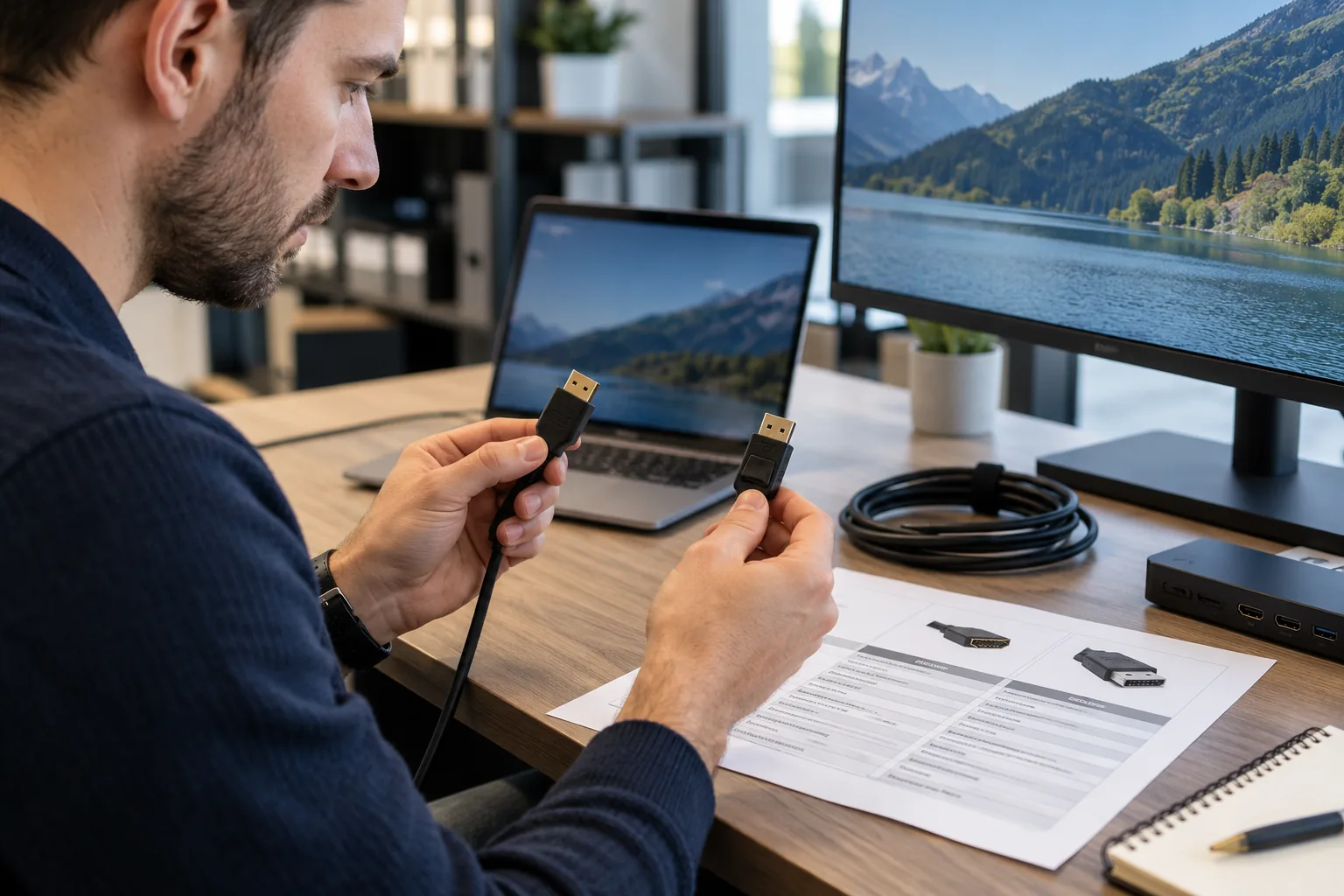
System and compatibility context
Start with the workload.
Keep compatibility in view.
A computer, display or system component should be described around the intended workload and the equipment it must work with. Port, capacity, operating-system and physical configuration differences can matter as much as a broad product name.
A port, form factor or system model can matter as much as a broad capacity description. Keep the intended workload and existing equipment connected to the enquiry.
Begin with the reference information available and identify what still needs clarification. The examples below describe enquiry groups, rather than a statement of stock, brand authorization or guaranteed supply.
Examples of requirements
A clearer product grouping.
Business computers and workstations
Describe the complete computer configuration rather than one headline figure.
Displays with specified interfaces
List display connections, physical requirements and intended arrangement.
Components for an identified compatible system
Identify components against the system model and the proposed upgrade.
Build a useful specification
Keep the important
details together.
Workload and product identity
- Workload and essential software needs
- Processor, memory and storage requirements
- System model for component enquiries
Configuration and interface details
- Display size, resolution and inputs
- Operating-system and connection requirements
- Configuration, quantity and form factor
- Compatibility and technical documents
Review the difference
A possible match
needs an understandable basis.
Does a matching capacity establish computer component compatibility?
A similar capacity or connector does not resolve every compatibility question. Review the complete configuration and make any proposed differences visible.
What should I include in a computer upgrade enquiry?
For an upgrade, include the exact system model and current configuration, then describe the intended improvement. This gives the enquiry more context than a capacity figure alone.
Add the quantity, unit of measure, destination and required date. Mark any uncertain detail clearly. Availability, pricing, lead time and delivery arrangements must be confirmed for the individual enquiry.
Related requirements
Prepare your RFQ
Computers, Displays & Components: enquiry essentials.
For computers, displays & components, bring exact system model, current configuration and required performance and interfaces. Keep the requested item and any proposed change on the same line of your enquiry.
| RFQ field | Information to record |
|---|---|
| Product identity | Workload and essential software needs |
| Fit / configuration | Processor, memory and storage requirements |
| Application requirement | System model for component enquiries |
| Additional detail | Display size, resolution and inputs |
| Additional detail | Operating-system and connection requirements |
| Additional detail | Configuration, quantity and form factor |
| Additional detail | Compatibility and technical documents |
| Missing information | Write “unknown” and attach the available reference; do not infer a rating or approval. |
| Quantity / destination | State the quantity, ordering unit, delivery destination and required date. |
Use the product enquiry guide to organize a multi-item request. Price, availability and delivery terms are confirmed for the individual enquiry.
Start the conversation
A clearer enquiry starts
with the details that matter.
Bring the part reference, drawing or product list you have. Mark the details that still need to be clarified.