

TraderZeex / IT Hardware & Computer Peripherals
Peripherals & Workspace Accessories
Keyboards, mice, docks and workspace accessories need to fit the user’s task and existing equipment.
Illustrative imagery. No company-owned facility, stock or personnel is represented.
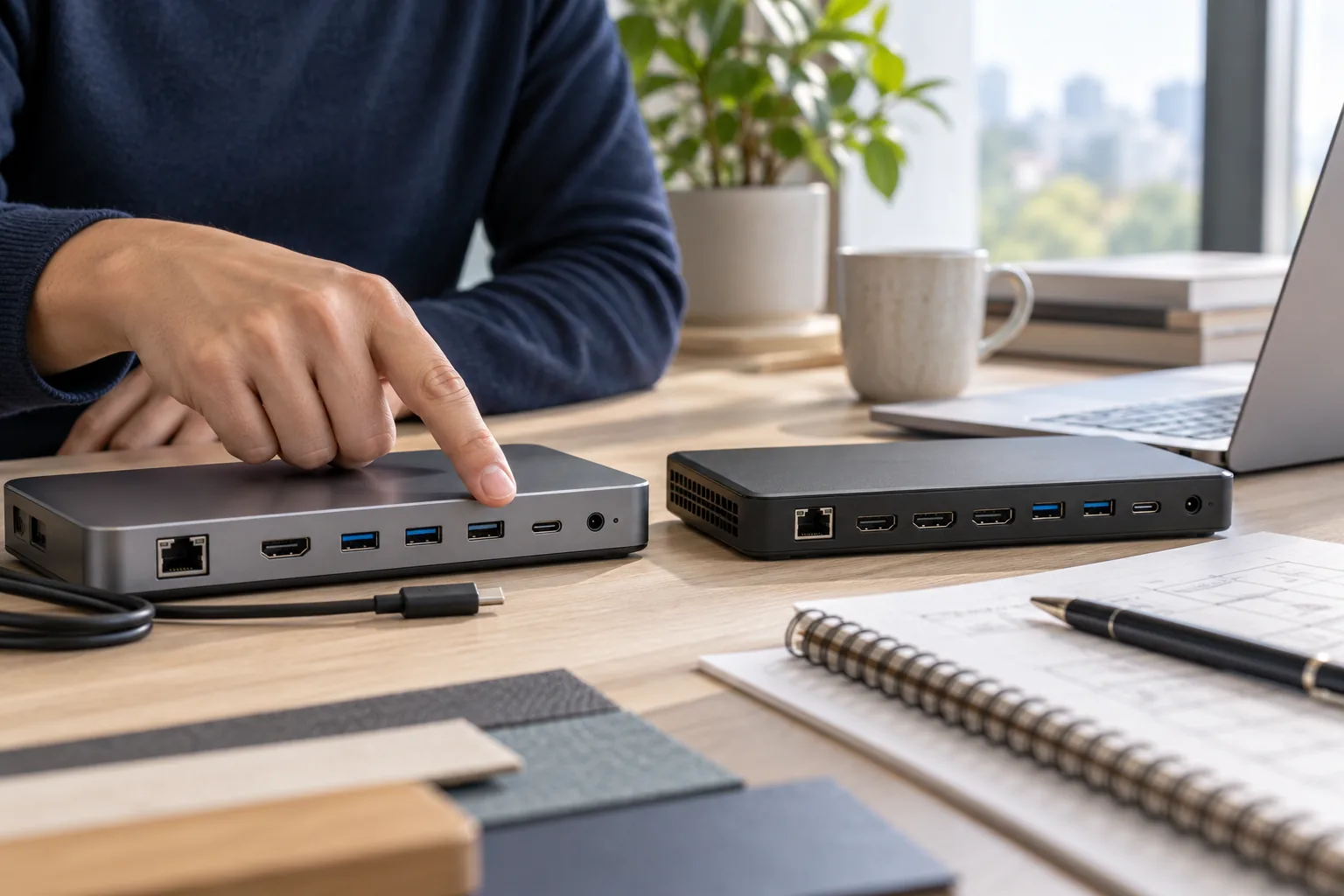
System and compatibility context
Connect the accessory
to the equipment it serves.
Keyboards, mice, docks and workspace accessories need to fit the user’s task and existing equipment. A dock may need power, displays and data functions checked together instead of being selected only by its main connector.
A port, form factor or system model can matter as much as a broad capacity description. Keep the intended workload and existing equipment connected to the enquiry.
Begin with the reference information available and identify what still needs clarification. The examples below describe enquiry groups, rather than a statement of stock, brand authorization or guaranteed supply.
Examples of requirements
A clearer product grouping.
Keyboards and input accessories
Identify the input device, host system and required connection.
Docks, hubs and connection accessories
Describe laptop, display, power and data requirements for a dock.
Device adapters and practical workspace peripherals
List workspace accessories against the equipment and use they support.
Build a useful specification
Keep the important
details together.
Workload and product identity
- Target device make and model
- Operating system and compatibility needs
- Ports, outputs and required functions
Configuration and interface details
- Power or charging requirements
- Cable length, form and workspace constraints
- Quantity and user requirements
- Manufacturer information for verification
Review the difference
A possible match
needs an understandable basis.
Does a connector that fits guarantee docking functionality?
A connector that fits may not support every desired function. For a dock, review power, data and display needs together, and explain limitations before an option is accepted.
What information is needed to source a docking station?
A useful docking-station enquiry states the laptop model, display configuration, peripherals and charging needs. This gives the buyer a complete use case to compare.
Add the quantity, unit of measure, destination and required date. Mark any uncertain detail clearly. Availability, pricing, lead time and delivery arrangements must be confirmed for the individual enquiry.
Related requirements
Prepare your RFQ
Peripherals & Workspace Accessories: enquiry essentials.
For peripherals & workspace accessories, bring host system, display and data needs and charging and interfaces. Keep the requested item and any proposed change on the same line of your enquiry.
| RFQ field | Information to record |
|---|---|
| Product identity | Target device make and model |
| Fit / configuration | Operating system and compatibility needs |
| Application requirement | Ports, outputs and required functions |
| Additional detail | Power or charging requirements |
| Additional detail | Cable length, form and workspace constraints |
| Additional detail | Quantity and user requirements |
| Additional detail | Manufacturer information for verification |
| Missing information | Write “unknown” and attach the available reference; do not infer a rating or approval. |
| Quantity / destination | State the quantity, ordering unit, delivery destination and required date. |
Use the product enquiry guide to organize a multi-item request. Price, availability and delivery terms are confirmed for the individual enquiry.
Check functions as well as connector shape.
USB Type-C® identifies a connector; supported data and power capabilities depend on the product implementation. Record the host model and the required functions, then compare the actual product documentation. USB-IF: connector and capability terminology (PDF).
Independent technical reference. This link does not imply a partnership or product certification. USB Type-C® is a registered trademark of USB Implementers Forum.
Start the conversation
A clearer enquiry starts
with the details that matter.
Bring the part reference, drawing or product list you have. Mark the details that still need to be clarified.